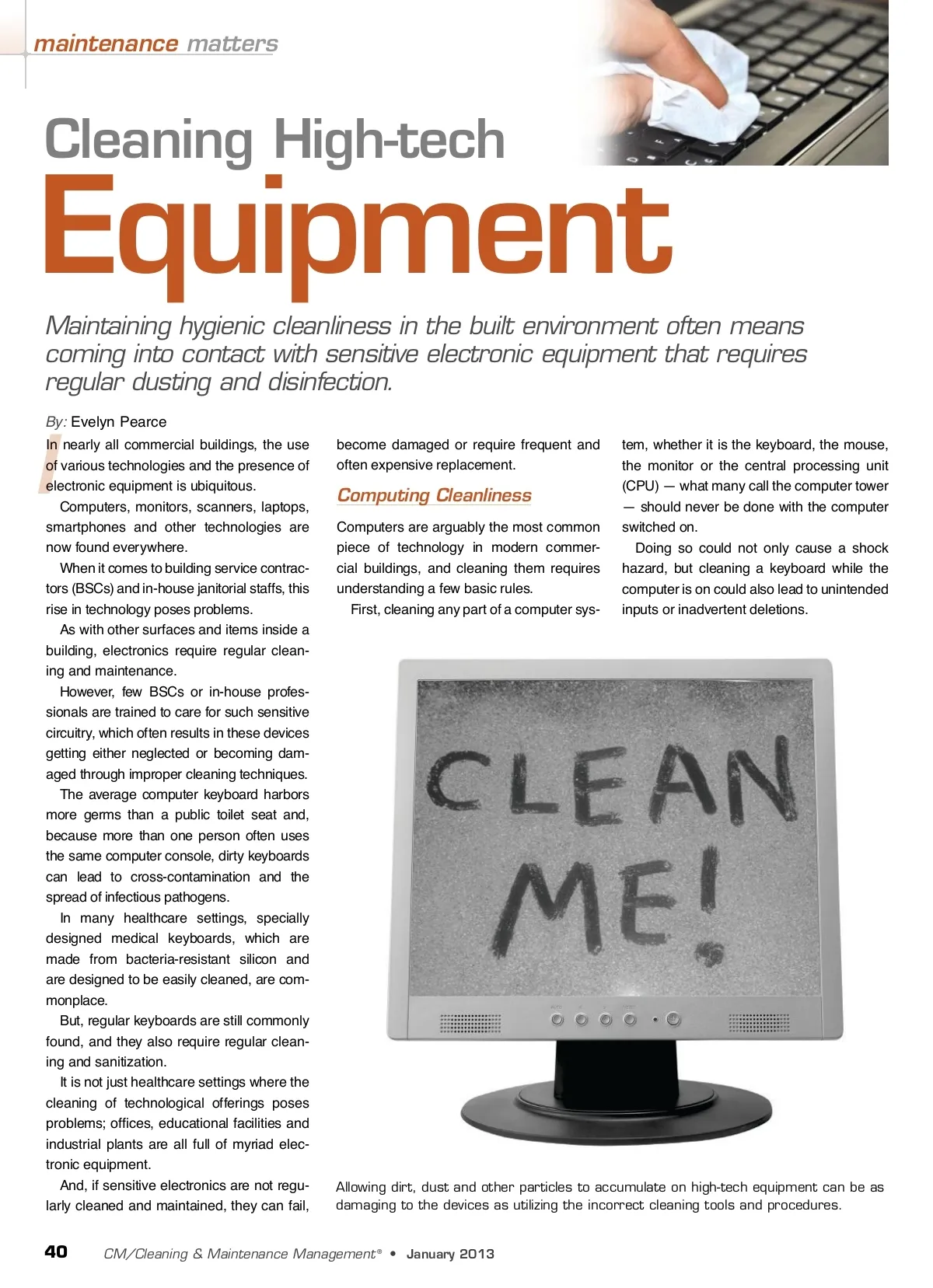
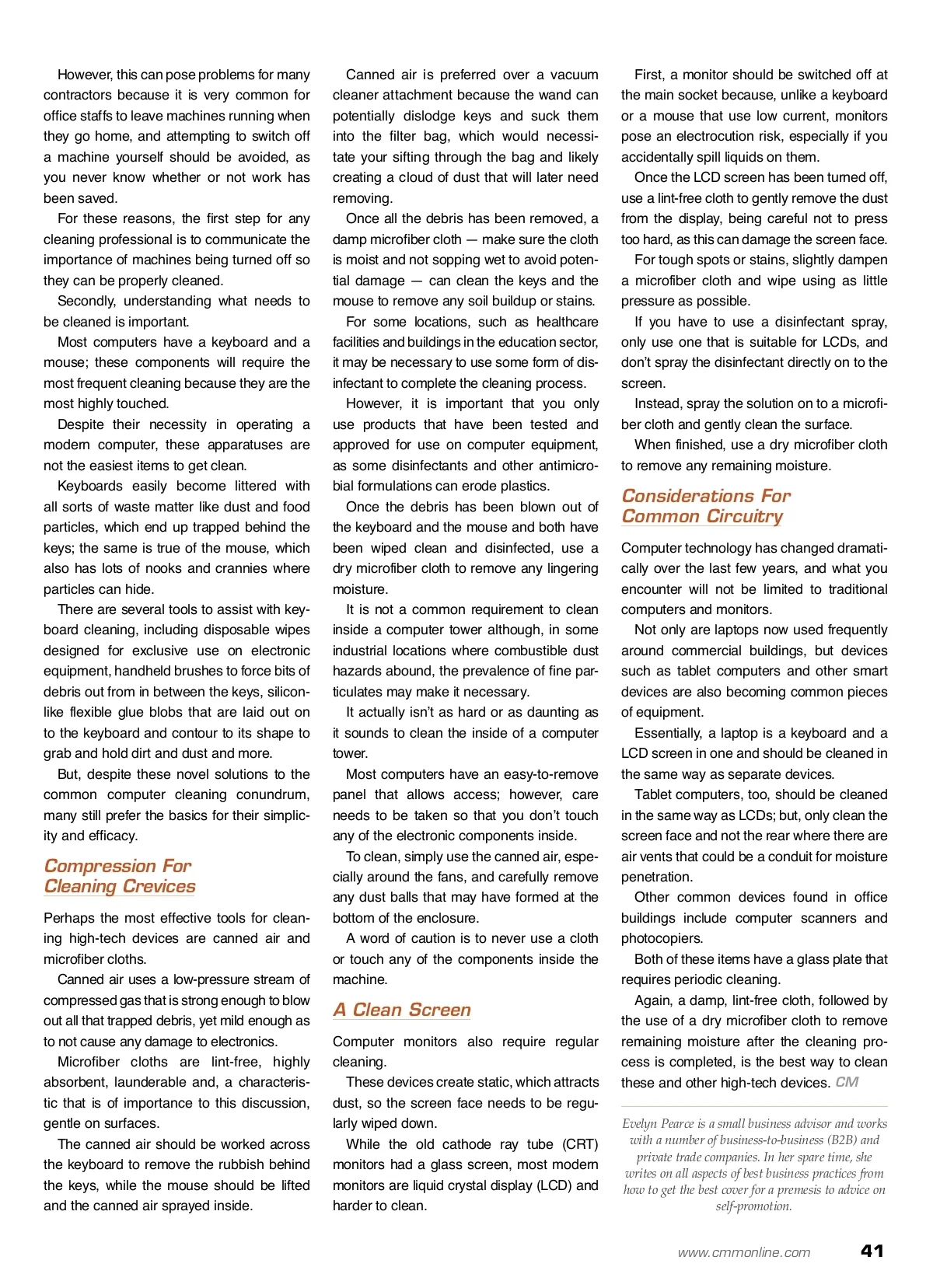
However, this can pose problems for many contractors because it is very common for office staffs to leave machines running when they go home, and attempting to switch off a machine yourself should be avoided, as you never know whether or not work has been saved. For these reasons, the first step for any cleaning professional is to communicate the importance of machines being turned off so they can be properly cleaned. Secondly, understanding what needs to be cleaned is important. Most computers have a keyboard and a mouse; these components will require the most frequent cleaning because they are the most highly touched. Despite their necessity in operating a modern computer, these apparatuses are not the easiest items to get clean. Keyboards easily become littered with all sorts of waste matter like dust and food particles, which end up trapped behind the keys; the same is true of the mouse, which also has lots of nooks and crannies where particles can hide. There are several tools to assist with key-board cleaning, including disposable wipes designed for exclusive use on electronic equipment, handheld brushes to force bits of debris out from in between the keys, silicon-like flexible glue blobs that are laid out on to the keyboard and contour to its shape to grab and hold dirt and dust and more. But, despite these novel solutions to the common computer cleaning conundrum, many still prefer the basics for their simplic-ity and efficacy. Compression For Cleaning Crevices Perhaps the most effective tools for clean-ing high-tech devices are canned air and microfiber cloths. Canned air uses a low-pressure stream of compressed gas that is strong enough to blow out all that trapped debris, yet mild enough as to not cause any damage to electronics. Microfiber cloths are lint-free, highly absorbent, launderable and, a characteris-tic that is of importance to this discussion, gentle on surfaces. The canned air should be worked across the keyboard to remove the rubbish behind the keys, while the mouse should be lifted and the canned air sprayed inside. Canned air is preferred over a vacuum cleaner attachment because the wand can potentially dislodge keys and suck them into the filter bag, which would necessi-tate your sifting through the bag and likely creating a cloud of dust that will later need removing. Once all the debris has been removed, a damp microfiber cloth — make sure the cloth is moist and not sopping wet to avoid poten-tial damage — can clean the keys and the mouse to remove any soil buildup or stains. For some locations, such as healthcare facilities and buildings in the education sector, it may be necessary to use some form of dis-infectant to complete the cleaning process. However, it is important that you only use products that have been tested and approved for use on computer equipment, as some disinfectants and other antimicro-bial formulations can erode plastics. Once the debris has been blown out of the keyboard and the mouse and both have been wiped clean and disinfected, use a dry microfiber cloth to remove any lingering moisture. It is not a common requirement to clean inside a computer tower although, in some industrial locations where combustible dust hazards abound, the prevalence of fine par-ticulates may make it necessary. It actually isn’t as hard or as daunting as it sounds to clean the inside of a computer tower. Most computers have an easy-to-remove panel that allows access; however, care needs to be taken so that you don’t touch any of the electronic components inside. To clean, simply use the canned air, espe-cially around the fans, and carefully remove any dust balls that may have formed at the bottom of the enclosure. A word of caution is to never use a cloth or touch any of the components inside the machine. First, a monitor should be switched off at the main socket because, unlike a keyboard or a mouse that use low current, monitors pose an electrocution risk, especially if you accidentally spill liquids on them. Once the LCD screen has been turned off, use a lint-free cloth to gently remove the dust from the display, being careful not to press too hard, as this can damage the screen face. For tough spots or stains, slightly dampen a microfiber cloth and wipe using as little pressure as possible. If you have to use a disinfectant spray, only use one that is suitable for LCDs, and don’t spray the disinfectant directly on to the screen. Instead, spray the solution on to a microfi-ber cloth and gently clean the surface. When finished, use a dry microfiber cloth to remove any remaining moisture. Considerations For Common Circuitry Computer technology has changed dramati-cally over the last few years, and what you encounter will not be limited to traditional computers and monitors. Not only are laptops now used frequently around commercial buildings, but devices such as tablet computers and other smart devices are also becoming common pieces of equipment. Essentially, a laptop is a keyboard and a LCD screen in one and should be cleaned in the same way as separate devices. Tablet computers, too, should be cleaned in the same way as LCDs; but, only clean the screen face and not the rear where there are air vents that could be a conduit for moisture penetration. Other common devices found in office buildings include computer scanners and photocopiers. Both of these items have a glass plate that requires periodic cleaning. Again, a damp, lint-free cloth, followed by the use of a dry microfiber cloth to remove remaining moisture after the cleaning pro-cess is completed, is the best way to clean these and other high-tech devices. CM Evelyn Pearce is a small business advisor and works with a number of business-to-business (B2B) and private trade companies. In her spare time, she writes on all aspects of best business practices from how to get the best cover for a premesis to advice on self-promotion. www.cmmonline.com A Clean Screen Computer monitors also require regular cleaning. These devices create static, which attracts dust, so the screen face needs to be regu-larly wiped down. While the old cathode ray tube (CRT) monitors had a glass screen, most modern monitors are liquid crystal display (LCD) and harder to clean. 41
CMM – Archives Jan 2013: 41